Small ideas, shared time
How to Choose a Photo for a Coloring Page With Clear, Simple Shapes
To choose a photo for a coloring page, look for one clear subject, visible edges and a quiet background. Crop distractions with your usual photo editor, check that faces or objects are large enough to recognize, then use the photo conversion in Lovla. A simple pet portrait or couple photo is usually an easier starting point than a crowded night scene. Review the outlines before deciding how much detail to color.
Turn a personal photo into a coloring page in Lovla, color together and keep the artwork in your shared journal.
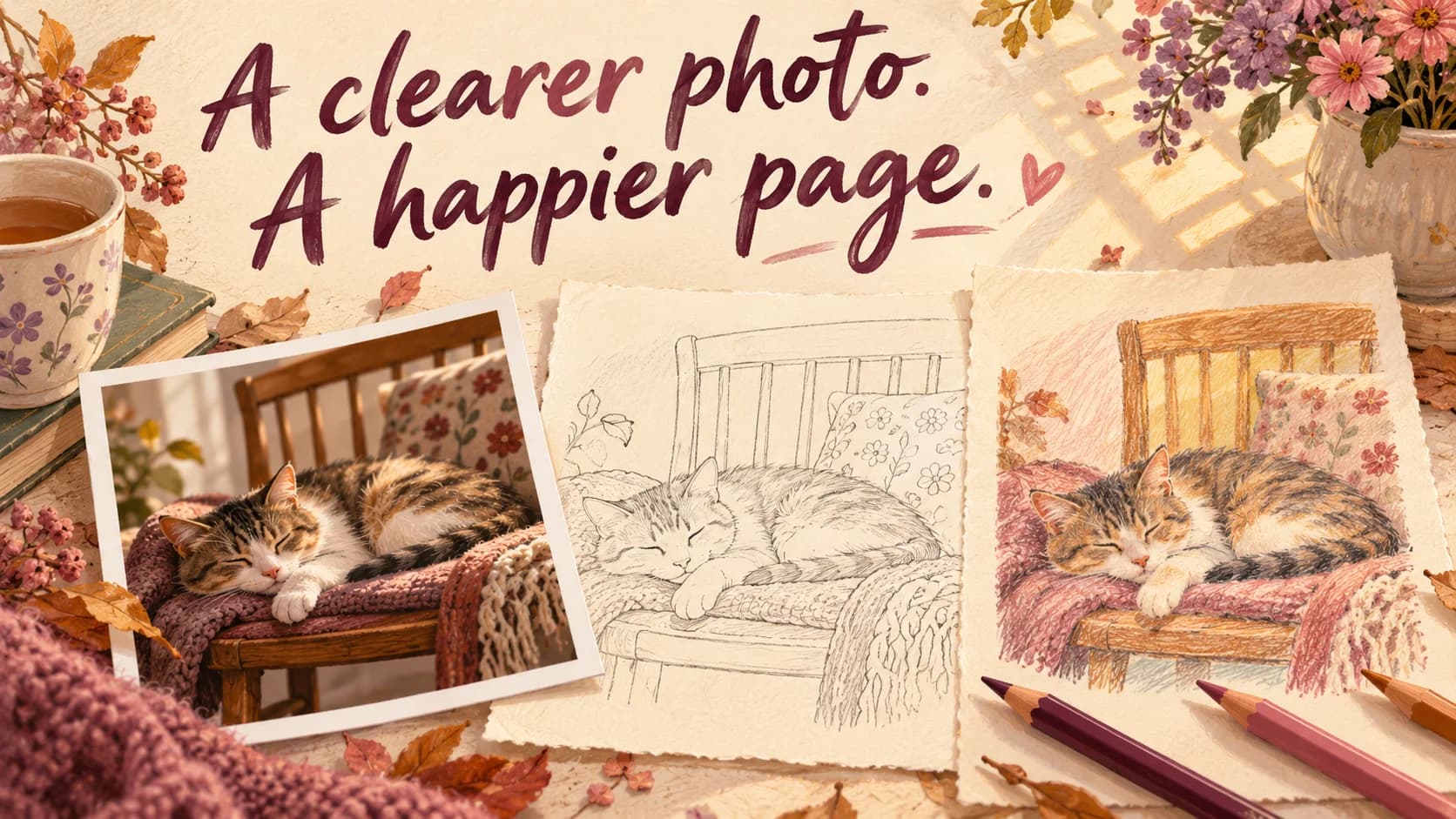
Choose the picture for the activity you want
The best memory and the easiest coloring project are not always the same image. A tiny couple surrounded by patterned clothes, foliage and a busy crowd can be meaningful but leave you with a lot to work through.
Start with the evening you want. For a short coloring date, look for a close subject and broad shapes. If you both enjoy detail, a scene with more objects may be welcome. There is no need to choose the most impressive photograph in your camera roll.
Use a quick selection test
Open two or three candidates at the size you will use on your phone. Ask whether you can immediately identify the subject, where its edges are and which areas you would enjoy coloring. If the main subject disappears until you zoom in, try another frame.
| Photo feature | Why it matters | Try this |
|---|---|---|
| A clear main subject | Gives the page a starting point | Choose one pet or a close couple portrait |
| Simple background | Keeps attention on the memory | Move or crop away from clutter |
| Visible features | Helps you recognize the person or object | Prefer an evenly lit frame |
| Broad areas | Leaves room for comfortable coloring | Choose plain clothing over tiny patterns |
Prepare a copy without changing the memory
Use your usual photo editor to crop away irrelevant edges. Keep enough space around the subject that hands, ears and other important details remain visible. A tight crop that removes half a face is not automatically simpler.
If you adjust brightness, check that you have not washed out the features you wanted to keep. An editor cannot recover every detail from a blurred or very dark original. Choose another photo rather than expecting conversion to repair it. Keep the original so you can change your mind.
Turn the chosen photo into a shared coloring page
Use a picture you own or have permission to upload, and check that everyone pictured is comfortable with the plan. In Lovla, use the photo conversion feature to make a coloring page, connect with your partner and color together.
Review the page for recognizable features and areas you actually want to fill. Conversions can vary with the image; a generated illustration on a blog cover does not guarantee a particular result. If the outlines feel too busy, try a simpler source photo rather than spending the date fighting every small region.
If the page feels crowded, change one thing
Try a closer crop, a plainer background or a different frame from the same moment. Change one variable at a time so you can see what helped. A photo of two people against a plain wall may be more comfortable to color than the same pose in front of shelves.
If a patterned shirt remains, you can still choose a simple palette and leave some spaces white. You do not have to imitate the original colors or fill every line. The goal is a page you want to spend time with.
Finish with one personal detail
Each choose a color for one part of the picture. Tell the story of something that happened just before it was taken, then decide together whether to keep the original palette or invent a new one. Save the artwork in your shared journal.
For a seasonal photo, use one lightweight prop and a clear background from the start. Our pumpkin photo guide offers poses that leave recognizable shapes. If you are just beginning, the cozy coloring guide has a simple three color starting plan.
Make a little more time for us.
Turn a personal photo into a coloring page in Lovla, color together and keep the artwork in your shared journal.
Written by The Lovla Team. Find current product and access details on Lovla’s App Store page.